
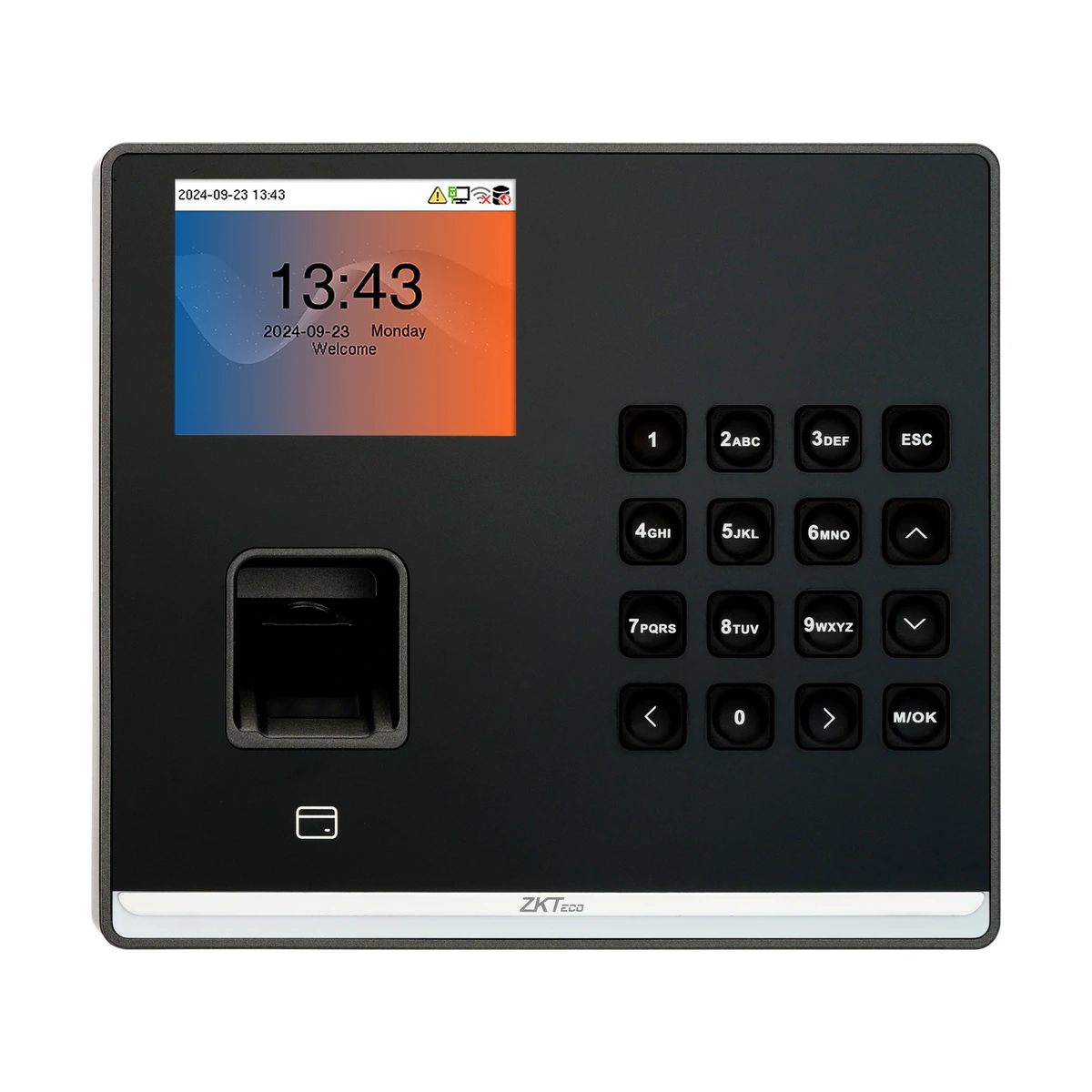
ZKTeco SenseFP M2 Time Attendance Terminal — Supplier-listed configuration
SenseFP M2 attendance terminal with fingerprint, card and password identification. TCP/IP is listed; Wi-Fi, IC card and battery are optional.
Price on request
Contact us for current availability and lead time.
Request pricing, availability and the right configuration for your project.
Overview
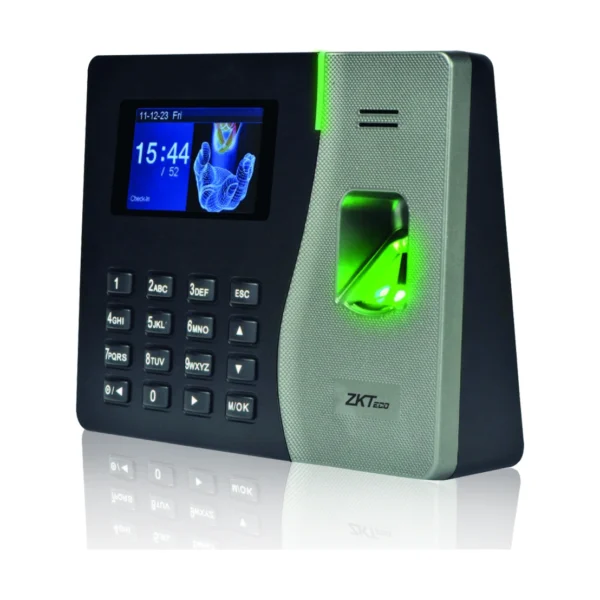
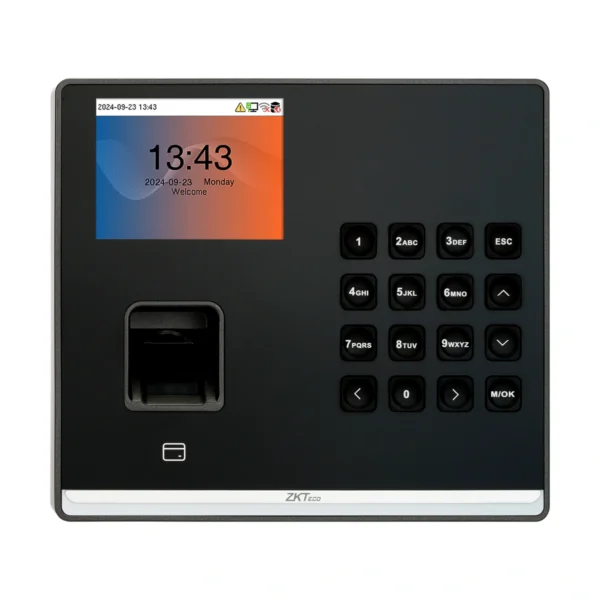
The ZKTeco SenseFP M2 is a time-attendance terminal offering fingerprint, card and password identification. It does not have the facial-authentication capability documented for the related SenseFace M2F-LR. It also supports basic access-control connections, so the project can assess attendance capture and a door-control workflow together while still specifying the external lock, power and exit components required.
The model lists 3,000 fingerprints, 3,000 cards and 3,000 users, with storage for 150,000 transactions. These are different limits for enrolment and event records, rather than interchangeable measures of workforce size. A 2.8-inch display and physical keypad provide local interaction. Standard 125 kHz ID-card capability and optional 13.56 MHz IC support need to be matched to the actual credentials; neither the word RFID nor a shared card shape establishes compatibility.
TCP/IP provides a wired network interface. Wi-Fi and the backup battery are listed as optional, despite broader wireless wording in the family overview. This distinction matters when arranging network cabling or continuity during a power interruption. The documented software choices include ZKBio Zlink and ZKBio Time, with the appropriate protocol and deployment to be established for the ordered configuration. Standard and entry versions have different listed functions, so photo-capture features should not be assumed across versions. Select the exact terminal and configuration around enrolment capacity, network, attendance software and any separately specified door-control installation.
Applications & Use Cases
- Networked staff attendance: Use the documented TCP/IP connection to integrate the terminal with the selected supported attendance deployment. Wireless operation requires the fitted Wi-Fi option.
- Attendance with basic door control: Use the listed electric-lock, door-sensor and exit-button interfaces in a correctly specified external access installation. The terminal does not establish that these external components are included.
Product FAQs
Is Wi-Fi fitted to every configuration?
No. The parameter table lists Wi-Fi as optional, even though the family overview describes wireless connectivity more broadly.
Is the optional battery guaranteed to run for at least four hours?
The family overview uses minimum-runtime wording, while the parameter table lists four hours as a maximum. A guaranteed minimum is not established.
Does the terminal include the electric lock and exit button?
Those are connection interfaces. Included external door hardware is not established by this product record.
Can I assume photo capture is available on the supplied version?
No. The source distinguishes standard and entry functions, and the supplier-listed configuration excludes photo and event-photo capture.
Does the software name guarantee that any existing server will work?
No. Confirm the software version, device protocol and ordered configuration together before planning the integration.
Specifications
| Configuration | Supplier-listed configuration |
|---|---|
| Display | 2.8-inch Display with a Physical Keypad |
| Model | SenseFP M2 |
| Transaction Capacity | 150,000 |
| Manufacturer | ZKTeco |
| Communication | TCP/IP、USB Host、Wi-Fi (optional) |
| Standard Functions | ID Card, ADMS, DST, Up to 14-digit User ID, Record Query, Schedule Bell Tamper Switch Alarm, Automatic Status Switch, HTTPs / SSH Backend Access, T9 Keyboard (Input) |
| Optional Functions | WIFI: ,MF: , Backup Battery: |
| Dimensions | 154 mm*138 mm*34 mm (L*W*H) |
| RFID Capacity | 3,000 |
| FP Capacity | 3,000 |
| Memory | 512MB RAM / 8GB ROM |
| Simple access control functions | Electric Lock, Door Sensor, Exit Button |
| Software | BioTime Cloud(TA PUSH) |
| Biometric Algorithms | ZKFingerprint V13.0 (Standard) / V10.0 (Optional) |
| Photo capture | Photo Capture and Event Photo Capture are not supported |
Downloads
Manufacturer documents and Royal Link product sheets. Check the publisher and configuration notes for each file. PDFs open in a new tab.
| Document | Type | Size | Updated / version | Action |
|---|---|---|---|---|
| PDFSenseFP M2 - Royal Link product sheetRoyal Link Technologies LtdSupplier catalogue specifications | Product sheet | 180 KB | 2026-10-30 | Download ↗ |
Manufacturer references
Customer reviews
Your experience helps others choose the right solution.
You may also like
Explore more from this product range.
Reviews
No reviews yet
Be the first to share your experience with this product.