
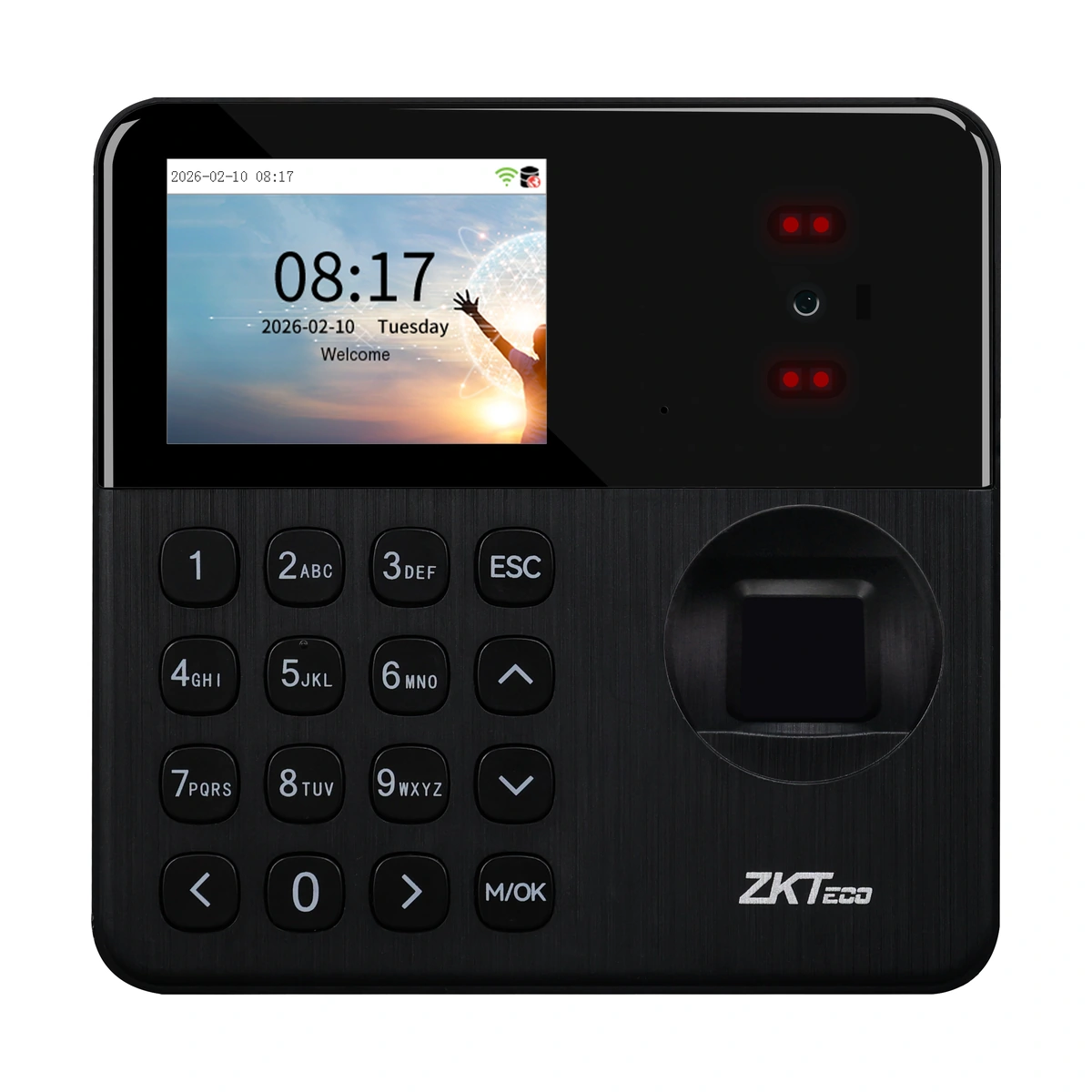
ZKTeco SensePalm T1 Time Attendance Terminal
SensePalm T1 attendance terminal with palm-vein, fingerprint and password authentication. RFID and backup battery are optional; requires the selected supported attendance setup.
Price on request
Contact us for current availability and lead time.
Request pricing, availability and the right configuration for your project.
Overview
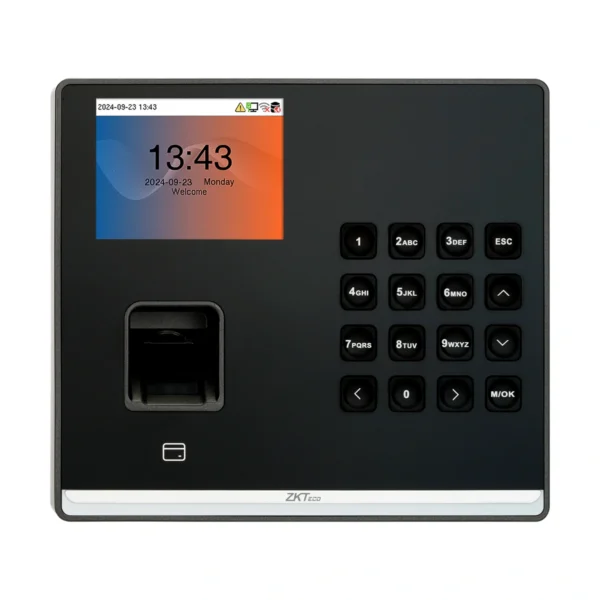
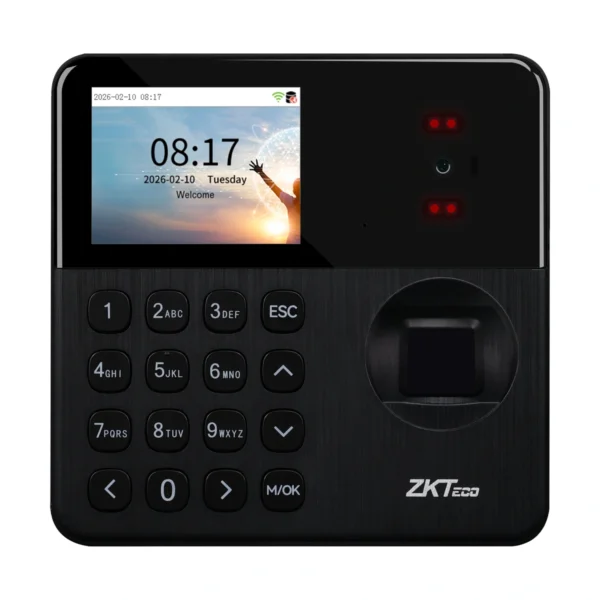
The ZKTeco SensePalm T1 is a time-attendance terminal using palm-vein and fingerprint authentication, with password entry and optional RFID. The palm-based method is the important distinction from a facial-authentication attendance model. It provides an alternative biometric approach for recording staff attendance without assuming that facial recognition is also part of the specification.
The listed capacities are 1,500 palm templates, 1,500 fingerprints and 3,000 users or cards, with storage for 150,000 transactions. These are separate limits for different record types. A 2.4-inch colour display and physical keypad support interaction at the terminal, while the chosen authentication methods need to be enrolled and managed within the intended attendance workflow. Card support is optional, so the listed card capacity does not establish that an ID or IC card reader has been fitted.
Wi-Fi provides the network connection for the documented ZKBio Zlink arrangement; ZKBio Time is also listed for a TA PUSH on-premise setup. The software is responsible for attendance rules and reporting, rather than the hardware alone establishing a finished payroll process. A backup battery and card options are listed separately from the base configuration. The USB Type-A port is described for USB-drive use. Choose the terminal around the palm or fingerprint workflow, compatible software and network, then establish the required power-backup and wall or desktop mounting components before installation.
Applications & Use Cases
- Palm-based attendance capture: Record staff identification events through the documented palm-vein method, using the selected supported attendance software for employee records and attendance rules.
- Mixed authentication workflows: Provide fingerprint or password use alongside palm enrolment where the organisation needs more than one identification method. Add card verification only with the appropriate fitted option.
Product FAQs
Does SensePalm use facial recognition?
The reviewed model is documented around palm-vein and fingerprint authentication. Facial authentication should not be inferred from the SensePalm name.
Can the USB port be used like a desktop fingerprint scanner?
The listed Type-A interface is for a USB drive. A direct computer-peripheral scanning role is not established.
Does 3,000-user capacity allow 3,000 palm templates?
No. Palm capacity is listed as 1,500; the overall user figure describes a different storage limit.
Are a desktop stand and battery included by default?
The source describes separate mounting arrangements and an optional battery. Confirm the required stand, backplate and battery in the package.
Can this attendance terminal replace the access-control panel?
The reviewed store configuration lists no access-control interface. Plan door control separately rather than inferring it from attendance authentication.
Specifications
| Configuration | Supplier-listed configuration |
|---|---|
| Display | 2.4" TFT Color LCD Screen (320*240) |
| Model | SensePalm T1 |
| Transaction Capacity | 150, 000 |
| Manufacturer | ZKTeco |
| Communication | Wi-Fi (IEEE 802.11b/g/n/ax) @ 2.4 GHz / USB: Type A (USB Drive Only )*1 |
| Standard Functions | ADMS, DST, Workcode, Up to 14-digit User ID Record Query, Schedule Bell, Automatic Status Switch (Effective only under T&A rules), Multiple Authentication Methods, HTTPS / SSH Backend Access, T9 Keyboard (Input), Online Firmware Upgrade |
| Optional Functions | ID Card , IC Card , Backup Battery |
| Operating Temperature | -5°C to 45°C |
| Operating Humidity | 20% to 80% |
| Installation | 1) Wall-mount (Standard) without backplate 2) Wall-mount (Optional) with backplate 3) Desktopp-mounted (Optional) with backplate + Rots-4 desktop bracket (Order Separately) ZK Logo Standard |
| Palm Capacity | 1,500 |
| Fingerprint Capacity | 1,500 |
| User/Card Capacity | 3,000 |
| Access Control Interface | N/A |
| Software | Cloud-based Software: ZKBio Zlink (BEST Protocol by default) / On-Premise Software: ZKBio Time (TA PUSH) |
| Power | 5V/2A(Type-C port) / 2,000mAh Backup Battery (Optional ) |
| Dimensions (mm, without battery) | 117.5 mm*116.6 mm*31 mm (L*W*H) |
Downloads
Manufacturer documents and Royal Link product sheets. Check the publisher and configuration notes for each file. PDFs open in a new tab.
| Document | Type | Size | Updated / version | Action |
|---|---|---|---|---|
| PDFSensePalm T1 & SensePalm T2 User Manual 20260910ZKTecoManufacturer family reference; supplied configuration may vary. | User manual | 5.05 MB | — | Download ↗ |
| PDFSensePalm T1 & SensePalm T2 Quick Start Guide 20260910ZKTecoManufacturer family reference; supplied configuration may vary. | Quick start guide | 4.35 MB | — | Download ↗ |
| PDFSensePalm T1 & SensePalm T2 Installation Guide 20260910ZKTecoManufacturer family reference; supplied configuration may vary. | Installation guide | 2.60 MB | — | Download ↗ |
| PDFSensePalm T1 - Royal Link product sheetRoyal Link Technologies LtdSupplier catalogue specifications | Product sheet | 187 KB | 2026-10-30 | Download ↗ |
Manufacturer references
Customer reviews
Your experience helps others choose the right solution.
You may also like
Explore more from this product range.
Reviews
No reviews yet
Be the first to share your experience with this product.